
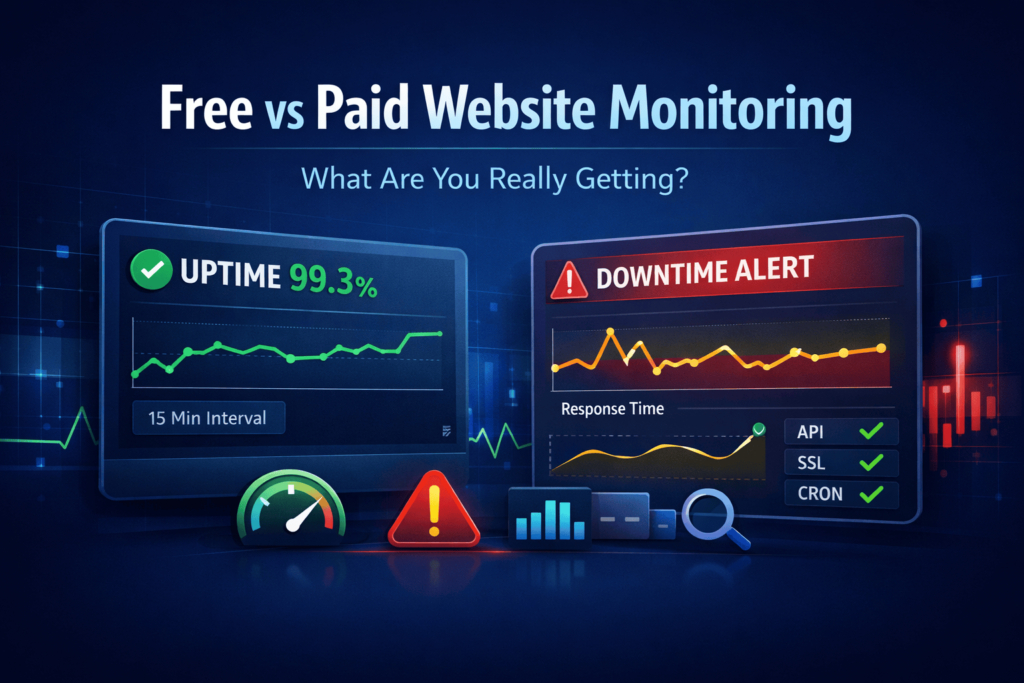
Website downtime is not just a minor technical issue being dealt with silently by IT teams anymore.
We all know how important the internet is to our lives and that is why even a very short time of an invisible website can actually cause a series of different problems – loss of money, angry customers, drop in search engine ranking, unsuccessful orders and the damage to the brand reputation, which is the most difficult to repair, may happen.
Therefore, website monitoring has become a business-critical system from being a “nice-to-have” tool only.
At WebStatus247, we are aware of things going like this all the time. Businesses of all kinds and sizes — ranging from solo founders to fast-growing SaaS companies — come to us after experiencing avoidable downtime. Almost all of them started with free website monitoring. Most of them only after a breakdown, decided to upgrade.
Therefore, the crucial question should not be if monitoring is important, but rather if free website monitoring is enough or paying for a monitoring service is a wiser option in terms of reliability over the course of time.
This guide exposes the issue straightforwardly – without any marketing jargon or overstatement – so that you are able to take an informed decision about your website and the business.
What Is Website Monitoring?
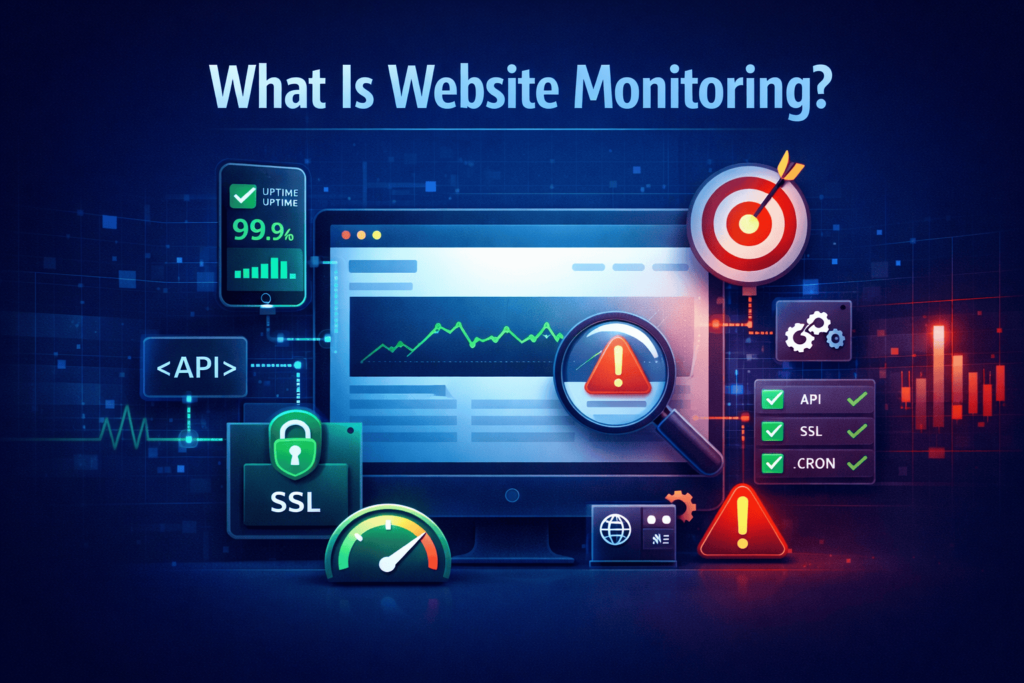
Website monitoring is the activity of regularly checking your website’s availability, performance, and reliability not only from your internal network but also from external locations — in fact, just like your real users would.
This monitoring tool periodically dispatches automated requests to your website and tracks core metrics such as:
- Availability and out of service periods
- Response time and delay
- HTTP status codes (4xx / 5xx)
- SSL certificate expiry
- DNS lookup
- API uptime
- Cron job run
The objective is straightforward:
Find them ahead of your users and fix them in no time so that they neither impact your revenue nor trust.
WebStatus247 embraces that idea. In fact, uptime alone is not sufficient. It is equally necessary that the site be fast, stable and that you detect problems as soon as possible.
Why Website Monitoring Is No Longer Optional
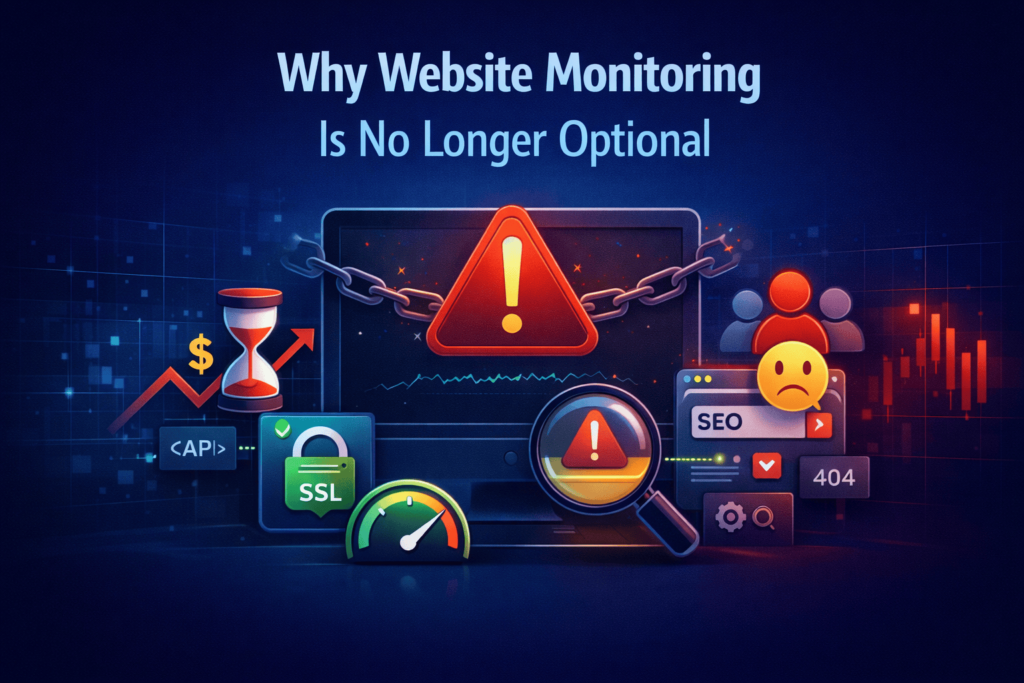
Nowadays, websites are intricate systems with various interconnected components:
- Hosting servers
- Load balancers and CDNs
- Databases
- APIs and microservices
- Third-party integrations
- SSL and security layers
- Background jobs and cron tasks
Any failure in these layers can result in your website being slow, partly broken, or completely down.
Without proper monitoring, the sequence of events that follow is quite predictable:
- The downtime issue is not noticed till a very long time.
- Customers leave even though they do not report the problem.
- Search engines lose crawl confidence.
- Transactions and integrations that are failing do so silently.
- Recovery is delayed due to a lack of data.
Using monitoring, you can change the situation related to downtime from a disaster to a risk that is being managed in a way that is proactive.
What Is Free Website Monitoring?
Free website monitoring tools are primarily focused on helping you to see if your site is up without any costs. Mainly, they serve to answer one question most of the time:
“Are my website and server up and running at this very moment?”
In fact, for some scenarios, that is sufficient.
What Free Monitoring Usually Includes
Most free accounts include features such as:
- Simple HTTP or ping tests
- Intervals for checks between 5 and 15 minutes
- Ability to monitor a few websites only
- Alerts through email only
- Very little access to historical data
Free tools are very straightforward by design. Their purpose is to make it easy for people to start without running into complexity or cost.
The Benefits of Free Website Monitoring
There are quite a few good reasons why free monitoring tools are so popular.
1. No Cost Barrier
Monitoring can indeed be taken up with no initial investment — something really helpful for single users, students, or early projects.
2. Quick Setup
Easiest and fastest way is to change a product saying being a user a non-technical person who can do it within a few minutes.
3. Basic Downtime Awareness
This is an extremely important feature: if your website is down, you will get a notification.
4. Suitable for Low-Risk Use Cases
Free monitoring can be a good fit for:
- Personal blogs
- Portfolio websites
- Temporary landing pages
- Development or staging environments
In case any financial or brand reputation losses are not likely to result from the downtime, free monitoring might be enough.
The Hidden Limitations of Free Website Monitoring
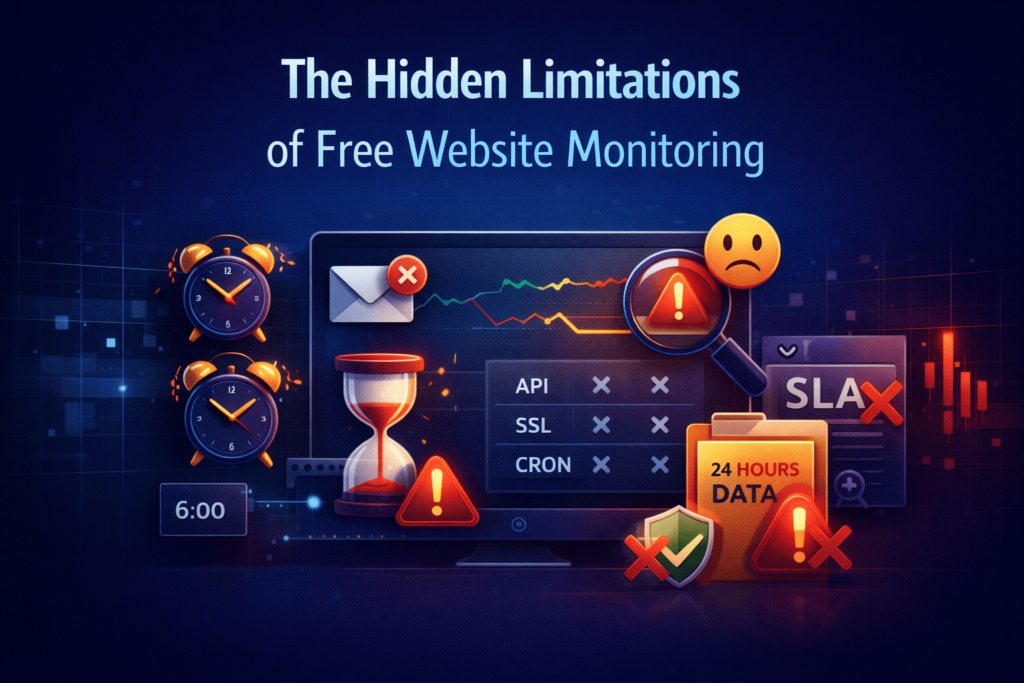
Most of the time, a few of the website owners here don’t even realize the extent of the limitations until it’s too late.
Free monitoring doesn’t fail loudly — it fails quietly. And the consequences often appear only after real damage has already been done.
1. Slow Detection Times
If monitoring checks are done every 5-15 minutes, your website could be down without anyone noticing for 20-30 minutes before the first alert is sent out.
That delay can rack up pennies turning into dollars very fast for a business website.
At WebStatus247, we always get to see the users deciding to take the route of faster checks after their first experience of a missed outage.
2. Limited Alert Channels
Usually, only email alerts are available in free plans.
In reality:
- Emails get lost
- Notifications come with a delay
- Problems are found at an inconvenient time
Generally, SMS, Slack, Discord, or webhook alerts are not supported.
3. No Performance Visibility
Most free tools just check whether a site is accessible or not — they don’t check website speed.
Users can suffer from technically “up” a website, but:
- It takes a long time to load
- API fails irregularly
- There is broken functionality
From a business point of view, the damage caused by this is equal to that of downtime.
4. No Advanced Monitoring Types
With free monitoring, the following are generally not included:
- API monitoring
- SSL expiry tracking
- Cron job monitoring
- DNS monitoring
- Resource monitoring
The fullest extent of the harm caused by these silent failures can be found when paid tools are absent.
5. Minimal Historical Data
Data is retained for a limited time only for the majority of free plans which raises the difficulty level of:
- Investigating recurring issues
- Downtime evidencing to vendors
- Performance optimization over time
6. Not Designed for Business SLAs
Free monitoring just isn’t up to the challenge if you are counting on uptime reports, SLA commitments, or audit trails to provide you with the necessary documentation for your business.
What Is Paid Website Monitoring?
Paid website monitoring is a system that is made for business environments where downtime causes loss. It concentrates on:
- Detection of a problem in a shorter time
- More detailed diagnosis
- Leads through different channels
- Constant dependability
Here at WebStatus247, we are not trying to make paid monitoring more complicated than it should be. Instead, we want to offer teams clarity, speed, and control in case of a failure.
What You Get with Paid Monitoring on WebStatus247
Faster Check Intervals
On paid plans, regularly scheduled checks can be as frequent as every 30–60 seconds, thereby greatly shortening the delay from failure to alert.
Multiple Monitoring Types
Whether it is a website, API, SSL certificate, or server resource health that needs to be checked,
WebStatus247 paid users have the ability to monitor:
- Website uptime
- SSL certificates
- APIs
- DNS and domains
- Cron jobs
- Server and resource health
This guarantees a comprehensive understanding of the whole infrastructure instead of just the landing page.
Multi-Channel Alerts
Alerts are send through:
- SMS
- Slack
- Discord
- Webhooks
This makes sure that the appropriate people are promptly informed via the communication channels that they habitually use.
Performance & Response Time Insights
Monitor average response times, user experiences in different locations, possible issues — basically the situation before the users start complaining.
Long-Term Reporting
Access weeks or months of historical data for:
- Incident analysis
- Optimization
- Compliance
- Reliability planning
SLA-Ready Monitoring
Paid monitoring supports uptime reporting and business reliability standards required by serious digital products.
Free vs Paid Website Monitoring: Quick Comparison
| Feature | Free Monitoring | WebStatus247 Paid Monitoring |
| Cost | Free | Affordable monthly plans |
| Check Frequency | 5–15 minutes | 30–60 seconds |
| Alert Channels | Email only | Email, Slack, Webhooks and more |
| Performance Tracking | Limited | Advanced |
| API Monitoring | ❌ | ✅ |
| SSL Monitoring | Limited | ✅ |
| Cron Job Monitoring | ❌ | ✅ |
| Historical Data | Very limited | Extensive |
| Business Reliability | ❌ | ✅ |
When Free Monitoring Is Enough
Free monitoring can do the job in case:
- Your website is non-commercial
- There is no financial loss if the website is down
- It’s not a must to get immediate alerts
- You are experimenting or learning
Free monitoring is enough to give a basic level of confidence in such cases.
When Paid Monitoring Starts to Matter
Paid monitoring starts to matter:
- You make money from your website
- You operate an e-commerce store or SaaS product
- Customer downtime leads to loss of brand trust
- You are dependent on APIs or scheduled jobs
- You care about SEO and performance
In fact, most businesses in the phase of growth do not see paid monitoring as a cost, but as insurance.
The actual cost breakdown: Monitoring versus Downtime
A one-hour outage of your website that makes about €100 per hour would cost you more than a whole year of monitoring.
Moreover, it does not even take into account:
- Trust that has been lost
- SEO-related issues
- The extra cost of customer support
- Damage to the brand
This is also the reason why so many WebStatus247 customers keep telling us the same thing:
“It’s a pity we did not upgrade sooner.”
Reasons why most companies initially use free and then pay
Almost all people start with free monitoring.
They only upgrade when:
- They have missed a critical alert
- They have heard complaints from customers
- They have had troubles diagnosing problems
- They have unnecessarily lost revenue
The better way is to take proactive monitoring from your first day.
Final Verdict: Free or Paid?
Free Monitoring
- ✔ Great for getting the hang of it
- ✔ No money involved
- ❌ Not enough protection
Paid Monitoring with WebStatus247
- ✔ Quicker issue detection
- ✔ High level of reliability suitable for businesses
- ✔ Sophisticated monitoring and alerts
- ✔ Retain both your revenue and reputation
In case a website is an important part of
Conclusion: Select a Monitoring Service That Accommodates Your Growth
Starting with free website monitoring can be great — but the problem is it’s not really meant to safeguard businesses in the digital age.
With the paid monitoring, you get the speed, depth, and reliability — the essentials of digital trust.
In a scenario where downtime is tantamount to lost revenue and lost credibility, the pertinent question should be:
“Is paid monitoring worth it?”
It’s actually:
“Are you financially capable of not monitoring properly?”
Try out WebStatus247’s free plan first and only make an upgrade when your demands expand — without changing the platform, without reconfiguring everything, and without surprises.